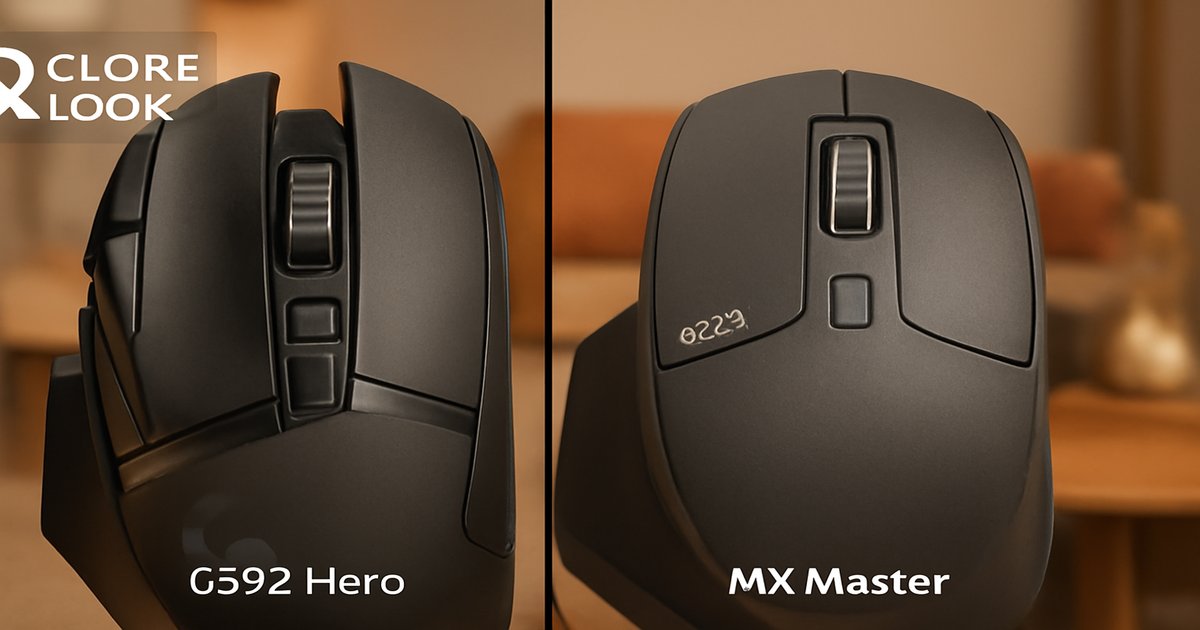
You’re at the crossroads of choosing a mouse that could make or break your productivity or gaming experience. Do you need the precision of a sniper in a first-person shooter, or the ergonomic comfort to glide through hours of editing work? Let’s dig into the nitty-gritty of the Logitech G502 and the MX Master to find out which one suits your needs.
| Feature | Logitech G502 | Logitech MX Master |
|---|---|---|
| DPI Range | 100 – 25,600 | 200 – 4,000 |
| Buttons | 11 | 7 |
| Connectivity | Wired/Wireless | Wireless |
| Weight | 121g (adjustable) | 141g |
| Ergonomics | ✗ | ✓ |
| Battery Life | 48 hours | 70 days |
✅ g502 Pros
- High DPI range suitable for gaming.
- Customizable weight for personalized feel.
- Excellent button configurability.
❌ g502 Cons
- Not the best for ergonomics.
- Shorter battery life compared to MX Master.
- Heavier than some gaming mice.
✅ logitech mx master Pros
- Superior ergonomic design for long use.
- Long-lasting battery life.
- Seamless multi-device connectivity.
❌ logitech mx master Cons
- Limited DPI range for gaming.
- Heavier weight can be cumbersome.
- Fewer programmable buttons.
Performance
When it comes to performance, the G502 is the clear winner for gamers. Its 25,600 DPI sensor and plethora of programmable buttons make it a powerhouse for FPS games and other fast-paced genres. On the other hand, the MX Master focuses on precision and smoothness, ideal for graphic design or video editing. It’s not built for rapid, twitchy movements, but rather for precise control over extended periods.
Build Quality
Both the G502 and MX Master excel in build quality, but in different arenas. The G502 sports a rugged, gamer-centric design with customizable weight tuning, which might appeal to those who want a more personalized feel. The MX Master shines with its premium materials and ergonomic contours, ensuring comfort during prolonged use. If you plan to spend hours at a desk, the MX Master is a dream to hold.
Value
Value depends heavily on what you need. The G502 offers more bang for your buck if you’re into gaming, thanks to its high DPI and button customization. However, the MX Master’s value skyrockets for productivity users who need a device that can glide between different tasks and devices seamlessly, without frequent charging interruptions.
Don’t overlook the weight of these mice. The G502 can feel heavy for those used to lighter gaming mice, even with the adjustable weights. Meanwhile, the MX Master, though ergonomic, may strain your wrist if you’re not used to a heavier mouse. Both are excellent, but neither is perfect for everyone.
Our Final Verdict: Which One Should You Buy?
For the dedicated gamer, the Logitech G502 is your best bet. Its high DPI and customizable features make it perfect for competitive gaming environments. On the flip side, if you’re a professional or casual user who values comfort and battery life, the Logitech MX Master will be your productivity powerhouse, making multitasking a breeze.
Is the G502 suitable for left-handed users?
Unfortunately, the G502 is designed for right-handed users, so lefties might find it uncomfortable.
Can the MX Master connect to multiple devices simultaneously?
Yes, the MX Master supports multi-device pairing and can switch between them easily, making it ideal for users with multiple setups.
How durable are the buttons on these mice?
The G502’s buttons are rated for 50 million clicks, while the MX Master is built to endure heavy daily usage, though specific click ratings vary.